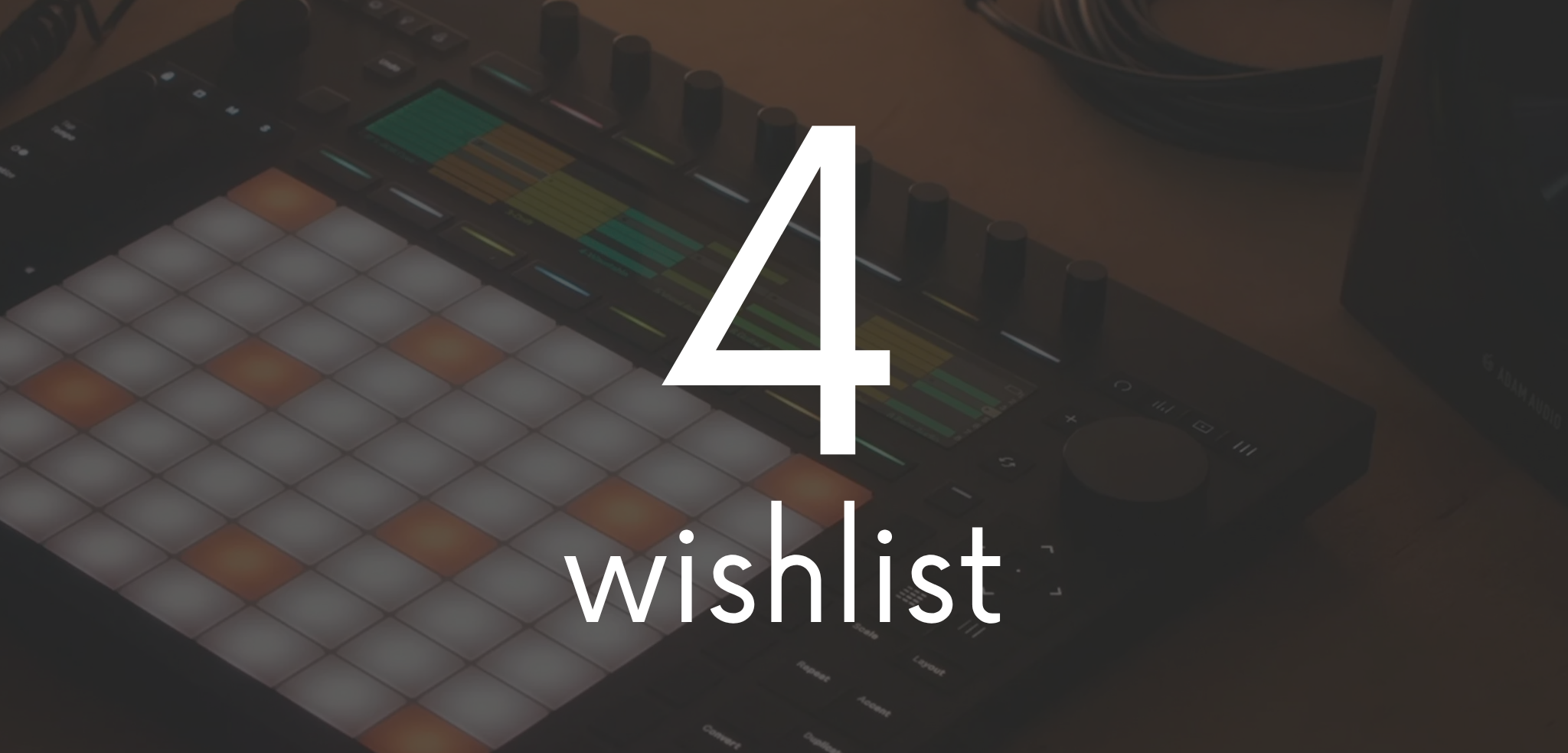
Let’s be clear from the start: Ableton Push 4 doesn’t exist yet. Ableton hasn’t announced it, and I don’t have any inside information. But I’ve been thinking about it for months, every time I switch on my Push 2 in the studio or grab my Move to sketch an idea away from the computer. At some point my wishlist got long enough to deserve its own article.
I’ve been using Ableton Live for more than twenty years and teaching it for fifteen. Push 2 is still the heart of my studio, Move has become my musical notebook, and I followed Push 3 closely without ever making the jump. So this isn’t a random list of features. It’s what’s missing, for me and for a lot of people in the same position, to make me change my Push.
If you use Push every day, you’ll probably recognise yourself in more than one point. And if you disagree, even better: tell me in the comments.
Where I’m Coming From: Push 2, Move and What Push 3 Changed
To know what to ask of Push 4, you have to be honest about how good Push 3 already is. Released in May 2023 in two versions, controller and standalone, it was the first time Ableton put Live inside a box with a battery, an audio interface, CV outputs and Wi-Fi.
Over the past three years, free updates have added a lot. Live 12.4 brought Link Audio, which streams audio over the network between Push, Move and Live, native MIDI mapping on the standalone, and a Visible option for Max for Live devices that finally exposes hidden parameters on Push. The latest firmware also improved audio and CV latency compensation and made polyphonic aftertouch smoother. It’s all in the official Push release notes.
And yet I didn’t buy Push 3. My Push 2 still does its job perfectly when it’s connected to the computer, and for making music on the go Move gave me exactly what I was looking for: light, battery-powered, instant. That combination is what made me realise what I want from Push 4. It has to bring together the depth of Push and the freedom of Move, and remove the friction that still sends me back to the laptop.
My Ableton Push 4 Wishlist
1. More power in the standalone version
This is the request I hear most often from Push 3 standalone users, colleagues and students included. Once a set grows, with a few Wavetables, two reverbs and a couple of Max for Live devices, the CPU hits its limit and you end up freezing tracks. To convince someone like me to leave the computer behind, Push 4 has to handle a full live set without me doing maths every time I add an effect. It needs to be a serious music computer, not a compromise.
2. A bigger display, ideally a touchscreen
The Push display is great for parameters, but when I’m editing a sample or looking at a waveform I want more room. I’m not asking for a tablet glued on top. A taller screen would do, one where I can touch start and end points, warp markers and envelopes directly with my finger.
3. A real Arrangement View, no computer needed
Push was born for Session View, and rightly so. But if it’s standalone, sooner or later I need to finish a track. Building an arrangement from Push is still awkward. I’d like to see the timeline, move sections around, duplicate eight bars and record automation in the arrangement without opening the laptop. Even a simple song mode that chains scenes with a set number of repeats would be a huge step.
4. A faster sampling workflow
You can sample on Push, but there are still too many steps. My dream: I press one button, record from the input or the master, and the sample lands on a Drum Rack track already sliced on transients and ready to play. Add on-device stem separation, so I can grab just the drums or the vocal from a loop, and Push 4 becomes an unbeatable sampling groovebox.
5. A browser you can actually search
After years of building libraries, scrolling through folders with an encoder just doesn’t work anymore. I want quick search with an on-screen keyboard or by tags, favourites synced with Live, and the option to save “stage collections” with the sounds I really use.
6. More connections for hardware users
The four CV outputs introduced with Push 3 are a great idea, but with a modular system they run out fast. On Push 4 I’d like CV and gate inputs, dedicated clock and reset outputs, MIDI 2.0 support and a USB host port that handles hubs and multiple controllers without fuss. For anyone who works with external synths and pedals, like I do, that’s the difference between a control centre and an accessory.
7. A mixer built for the stage
Live, I want to see the levels of every track at a glance, manage sends and have a limiter on the master without digging through menus. A mixer page with clear meters, maybe with headphone cueing on a separate output, would make Push 4 much safer in a club.
8. Battery, weight and build
Move has spoiled me here: it fits in a backpack, turns on in a moment and lasts. Push 3 standalone, on the other hand, is heavy, and its battery life feels designed for the sofa rather than a two-hour set. From Push 4 I want enough battery for a full set, USB-C charging from a power bank and a weight closer to Move, with encoders and pads built to survive years of touring.
9. Seamless integration with Move and Note
This one is personal. A lot of my ideas now start on Move, on the train or on the sofa. Link Audio opened the door, but the next step is for a set started on Move to open on Push 4 with sounds, clips and automation intact, and for Push and Move to act as one system on stage: Move as a second instrument, Push as the brain.
What Push 4 Shouldn’t Change
Every time a producer writes a wishlist, there’s a risk of asking for a computer with pads. That’s not what I want. Some things about Push are perfect as they are, and I hope Ableton protects them:
- The 8×8 grid. It’s the reason Push is an instrument and not just a controller, and I’ve been playing it for years on Push 2. The MPE pads on Push 3 are its natural evolution: more sensitive, yes; smaller, no.
- The scales and chords logic. It lets people who can’t read music play in key straight away. I see it every week with my students.
- Two versions. If you already own a powerful computer, you should be able to buy just the controller without paying for a processor you’ll never use.
- Compatibility with Live Sets. Opening the same project on Push and in the studio with no conversion is hugely valuable. Every new feature has to start from there.
- Free updates. My Push 2 kept getting new features for years, and Push 3 today is far better than when it launched. I’d like Push 4 owners to get the same treatment.
Ableton Push 4 FAQ
No. As of September 2026, the latest model is Push 3, released in 2023 and regularly updated alongside Live 12. This article is a personal take on what I hope to see in the next generation.
If you need it today, Push 3 is still an excellent instrument and keeps getting new features. Waiting for a product with no release date only makes sense if your current setup is still doing its job, like my Push 2 is.
The standalone makes sense if you want to make music away from the computer or play live with a single device. If you mostly work in the studio with a powerful computer, the controller version costs less and gives you the same playing experience.
The standalone does, because it runs Live internally. The controller version needs Live installed on your computer, and so do Push 1 and Push 2.
Less Computer, More Music!
If I had to sum up the whole list in one sentence, it would be this: from Ableton Push 4 I want to start and finish a track without ever opening my laptop. More power, a friendlier screen, a real arrangement workflow and instant sampling. Everything else is a bonus.
Now it’s your turn. What would you want in the next Push? Leave it in the comments: I’ll collect the most interesting ideas and bring them into my next video on YouTube. And if you want to learn Push and Ableton Live properly, check out my courses or get in touch.
Matthew S – producer, sound designer and Ableton Live teacher