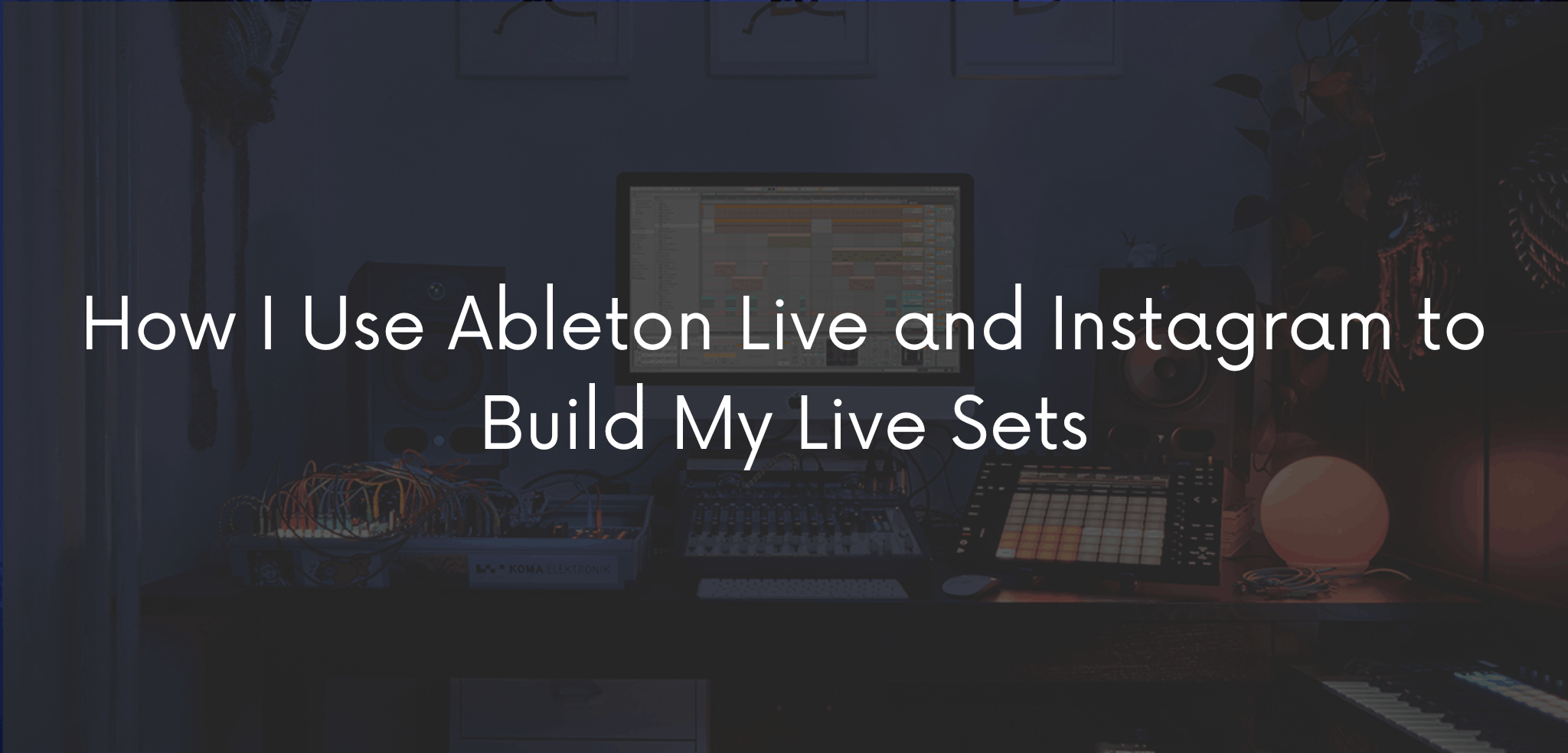
Every live set I play starts long before I step on stage. It starts in the studio, among cables, synths left running, and a screen with Ableton Live open for hours. And, more and more often, it also starts in front of my phone camera, as I document the process for Instagram.
I’m Matthew S, a music producer, performer, and sound designer based in Vicenza, Italy. In this article, I want to walk you through how these three elements — Instagram, Ableton Live, and live performance — connect in the way I work, from the first sound recorded in the studio to the moment that sound comes alive in front of an audience.
This isn’t a theoretical piece. It’s the story of a method I’ve built over the years, testing gear, getting setups wrong, rewriting live sets at the last minute. If you’re into electronic music, production, or you’re simply curious about what happens “behind” a live set, I think you’ll find something useful here.
My Studio as the Starting Point
My studio setup is the core of everything I do. I work with hardware like the OXI ONE MKII for sequencing and the Teenage Engineering TP-7 to capture ideas and field recordings on the fly. But the operational center is always Ableton Live, where everything born on the hardware finds shape, structure, and sonic coherence.
It’s not by chance that I work this way: hardware gives me immediacy and human imperfection, Ableton gives me control and repeatability. That’s the balance I look for in every production and every set.
Every studio session follows more or less the same pattern. I almost always start from a simple idea: a rhythmic pattern on the OXI ONE, a texture captured with the TP-7, sometimes just a chord played on the spot. Only after this initial, more instinctive phase does the project move into Ableton Live, where I start working on structure, arrangement, and actual sound design.
This move from hardware to software is never mechanical. An idea born on the OXI ONE often changes shape completely once it’s inside Ableton: it turns into a layer, becomes part of a breakdown, or stays only as a rhythmic reference to build something else. It’s an ongoing dialogue between physical and digital tools, more than a simple data transfer.
Ableton Live: From Production to Performance
I use Ableton Live in two very different modes, and it’s exactly this dual use that defines how I work as a live performer in electronic music.
In the studio, Ableton is my composition tool: this is where I build the patterns that come from the OXI ONE, process them, automate them, and design the arrangements.
On stage, the same project becomes a living structure. I use Session View to improvise, reorganize tracks in real time, and react to the energy of the crowd. It’s not a playback set: it’s a performance built on a solid foundation that stays open to the unexpected.
This hybrid approach — hardware for expressiveness, Ableton for structure — is also what I bring into collaborations with brands like Erica Synths, Polyend, ROLI, and Gamechanger Audio, where the dialogue between physical instruments and software is always at the center.
How I Build a Live Set, Step by Step
When I start building a new live set, my starting point is almost never a finished track, but a collection of scattered ideas: loops, patterns, textures, fragments recorded at different times. The real work begins when I bring all of this into Ableton Live and start organizing it into scenes.
Each scene represents a moment of the set: a more minimal opening, a denser rhythmic section, an atmospheric breakdown. I don’t build a rigid path from start to finish, but a series of blocks I can combine in different ways depending on the context, the crowd, and the energy of the night.
This is also why I never talk about “performing with an audio file.” The live set stays a living Ableton project, one I keep modifying, cutting, and rewriting even right before a show date. It’s a process that never really stops.
Instagram: Telling the Process, Not Just the Result
For years I thought of Instagram only as a showcase for the final result: a live video, a photo of the setup. Over time I realized the real value is in the process.
Showing how a pattern is born on the OXI ONE and ends up inside Ableton. Filming a fragment of sound design as I build it. Sharing the moment a rough studio idea becomes part of a live set. This kind of content works better than any “finished” photo, because it lets people into my actual working method, not just the outcome.
On @matthew_s_official I try to alternate between:
- short clips of studio work and sound design;
- live moments, from the performer’s point of view;
- more technical content around hardware and Ableton workflow.
One thing I’ve learned is that the simplest content often works best: ten seconds of a pattern taking shape on the OXI ONE, a screenshot of Ableton with an automation I just drew, the exact moment a track explodes during a live show. You don’t need elaborate editing — you need to show a real moment of the process.
There’s another, less visible side to this too: Instagram forces me to be more aware of my own working method. To explain a step, I first have to understand it well myself, figure out what makes it interesting, what’s worth showing. In that sense, documenting for social media has ended up improving how I work in the studio too.
Why Studio, Ableton, and Social Are the Same Story
What I want to communicate — on Instagram, in a live set, or in an article like this one — is always the same thing: the electronic music I make comes from an ongoing dialogue between physical instruments and software, between studio and stage, between planning and improvisation.
Ableton Live is the thread that ties all of this together. Instagram is how that process becomes visible and shareable with the people who follow my work.
If you’re interested in the more technical side of my workflow, I’ve also written a guide on how I integrate the OXI ONE MKII into an Ableton Live workflow for sound design — you can find it among the other articles on the blog.
What I’ve Learned Working This Way
Over time I’ve realized that the biggest risk for anyone working between studio and stage is separating the two too much: treating production as “serious” work and social media communication as a secondary task, almost an obligation. In my experience, it works the other way around.
When studio work, Ableton Live, and Instagram are treated as parts of the same process — rather than separate compartments — the work becomes more coherent. The audience following my content on Instagram is the same audience that later finds, on stage, a live set built with the tools they’ve seen in the videos. There’s no distance between what I show online and what I bring to a live show: it’s the same story, told across different channels.
Follow Me Behind the Scenes
If you want to get a closer look at how I work between studio and stage, follow me on Instagram for daily content and on YouTube for more in-depth videos on production, sound design, and live sets. If the site has an active newsletter, it’s also the best way not to miss upcoming technical articles on the Ableton Live workflow.