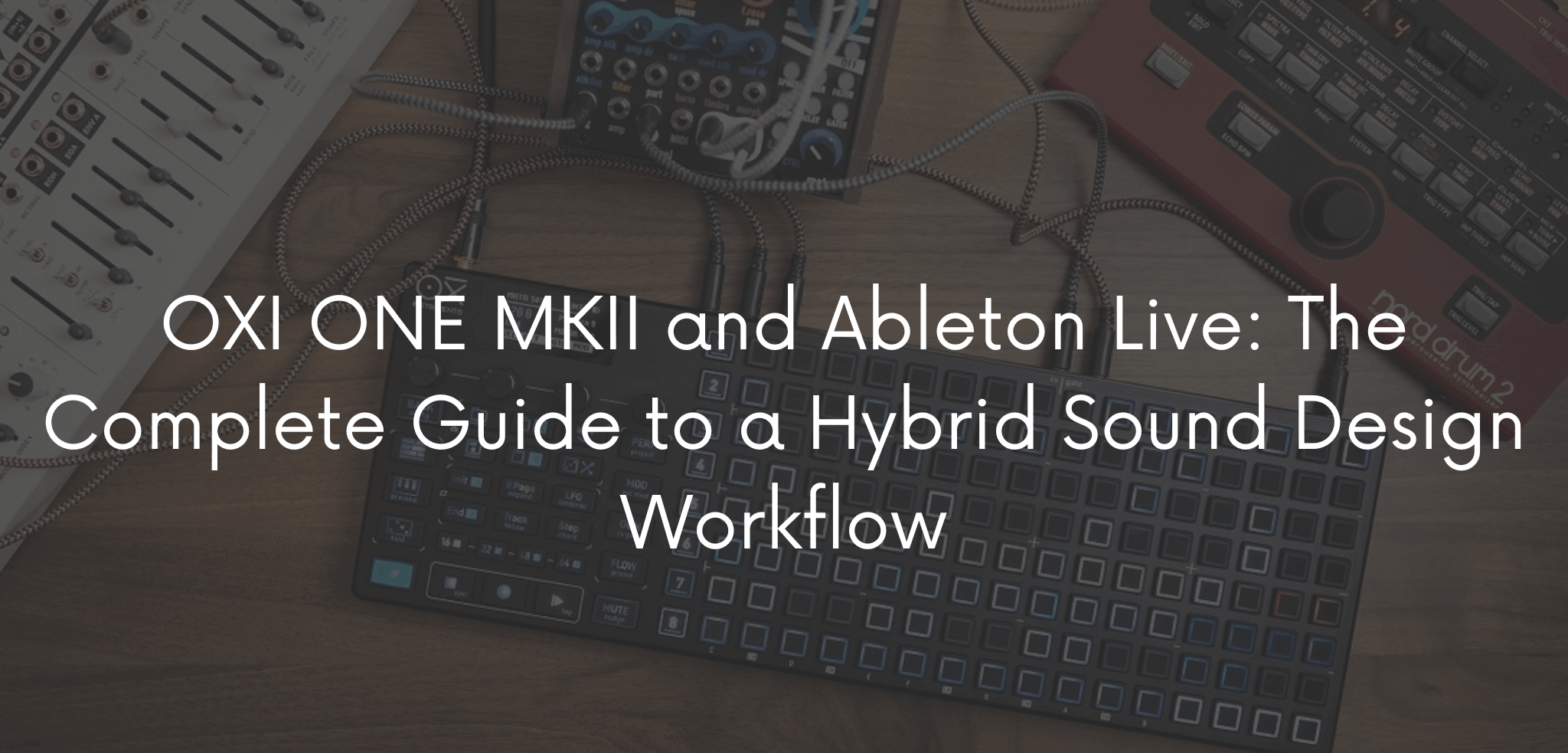
Since I started integrating the OXI ONE MKII into my studio, the way I write electronic music has changed radically. In fact, it’s not just one more sequencer on the desk, it’s a real shift in mindset. In practice, it changes how I approach a pattern, an arpeggio, a bassline. So, in this guide, I’ll walk you through, step by step, how I built a hybrid workflow between the OXI ONE MKII and Ableton Live. It’s designed for anyone who wants to take sound design off the screen, without giving up the power of the DAW.
What the OXI ONE MKII Is and Why It Deserves a Spot in Your Studio
The OXI ONE MKII is a multitrack hardware sequencer built for hybrid setups: analog synths, Eurorack modules, MIDI instruments, and of course a DAW like Ableton Live. Unlike a simple MIDI controller, it actually works as a true sequencing brain. As a result, it can handle complex patterns, polymeters, and automations independently of the computer.
For a producer who mostly works “in the box,” moreover, the biggest advantage is freedom from the mouse. You can, in fact, program patterns by looking at knobs instead of the screen, and this completely changes your creative approach to sound design.
Why Combine Hardware and Software in Your Production Workflow
Working exclusively inside Ableton Live is convenient, but it often leads to “quantized,” predictable patterns. The advantage of a hardware sequencer like the OXI ONE, instead, is the ability to introduce:
- Organic groove and swing that’s hard to replicate with Ableton’s MIDI editor alone
- Controlled randomization of notes, velocity, and trigger probability
- Polymeters and polyrhythms that would otherwise require complex software configurations
- Physical interaction, which often unlocks different melodic ideas than clicking a mouse
The result, then, is sound design that feels less “on the grid” and more alive. Ableton Live, however, still stays the central hub for mixing, editing, and arrangement.
How to Connect the OXI ONE MKII to Ableton Live: The Technical Setup
First of all, the key step is synchronization. Here’s the setup I use in my studio:
- USB-MIDI connection: connect the OXI ONE to your computer via USB. Ableton will then recognize it as a MIDI device under Preferences > Link/MIDI.
- Clock sync: enable MIDI Clock output from Ableton, or from the OXI ONE, depending on which one acts as master. This way, tempo and transport stay aligned between the two systems.
- MIDI channel assignment: dedicate one channel to each track or virtual instrument you want to control from the OXI ONE. This lets you sequence multiple synth plugins at once.
- Dedicated MIDI tracks in Ableton: create a MIDI track for each incoming channel from the OXI ONE. Then set the synth, hardware or plugin, to “In” monitoring so you can hear what you’re sequencing in real time.
- Recording the pattern: once you’re happy with a pattern, record it as a MIDI clip in Ableton. That way, you can edit it, partially quantize it, or process it with native MIDI effects.
Practical Workflow: From Hardware Pattern to Finished Sound Design
Here’s how I usually structure a session when working with the OXI ONE inside an Ableton project:
1. Rhythmic exploration phase — I start on the OXI ONE to generate drum patterns or basslines, using probability and ratcheting. At this stage I don’t think about the final arrangement yet: it’s the freest, least “engineered” phase.
2. Capture in Ableton Live — The best ideas get recorded as audio or MIDI clips. I prefer, in fact, capturing several variations of the same pattern, so I have material to choose from during editing.
3. Sound design on the synths — Once the rhythmic foundation is set, I focus on the actual sound design. Whether it’s a hardware synth driven by the OXI ONE or a plugin like Massive X, the sequencer still lets me automate filter and modulation parameters in real time, while Ableton captures everything.
4. Editing and arrangement in the DAW — At this point, the OXI ONE has done its job. So I move to Ableton for fine editing, automation, mixing, and song structure.
Common Mistakes to Avoid
- Not syncing the clock properly: causes drift between hardware patterns and Ableton’s grid, especially on longer sessions.
- Relying only on automatic quantize: part of the OXI ONE’s value, in fact, lies in the controlled imperfection. Quantizing everything erases the groove you just created.
- Ignoring MIDI channel management: with multiple tracks sequenced at once, a messy channel assignment leads to confusion and unwanted triggers.
Frequently Asked Questions
Does the OXI ONE MKII work without a computer? Yes, it’s a standalone sequencer. You can therefore use it to drive hardware synths and Eurorack gear without a DAW connected at all.
Do I need an external MIDI interface to connect it to Ableton Live? No, the OXI ONE connects directly via USB and is recognized as a class-compliant MIDI device.
Is it beginner-friendly for someone new to hardware sequencers? There’s a bit of a learning curve. However, the interface is designed to be more intuitive than other, more complex Eurorack-style sequencers.
Conclusion
Integrating the OXI ONE MKII into my Ableton Live workflow hasn’t replaced the DAW, it’s made it more interesting. It’s the kind of hardware-software hybrid I’d recommend to anyone who feels their sound design getting too predictable in front of a screen. If you’ve already tried it in your own studio, let me know in the comments, I’m curious to hear about your workflow.