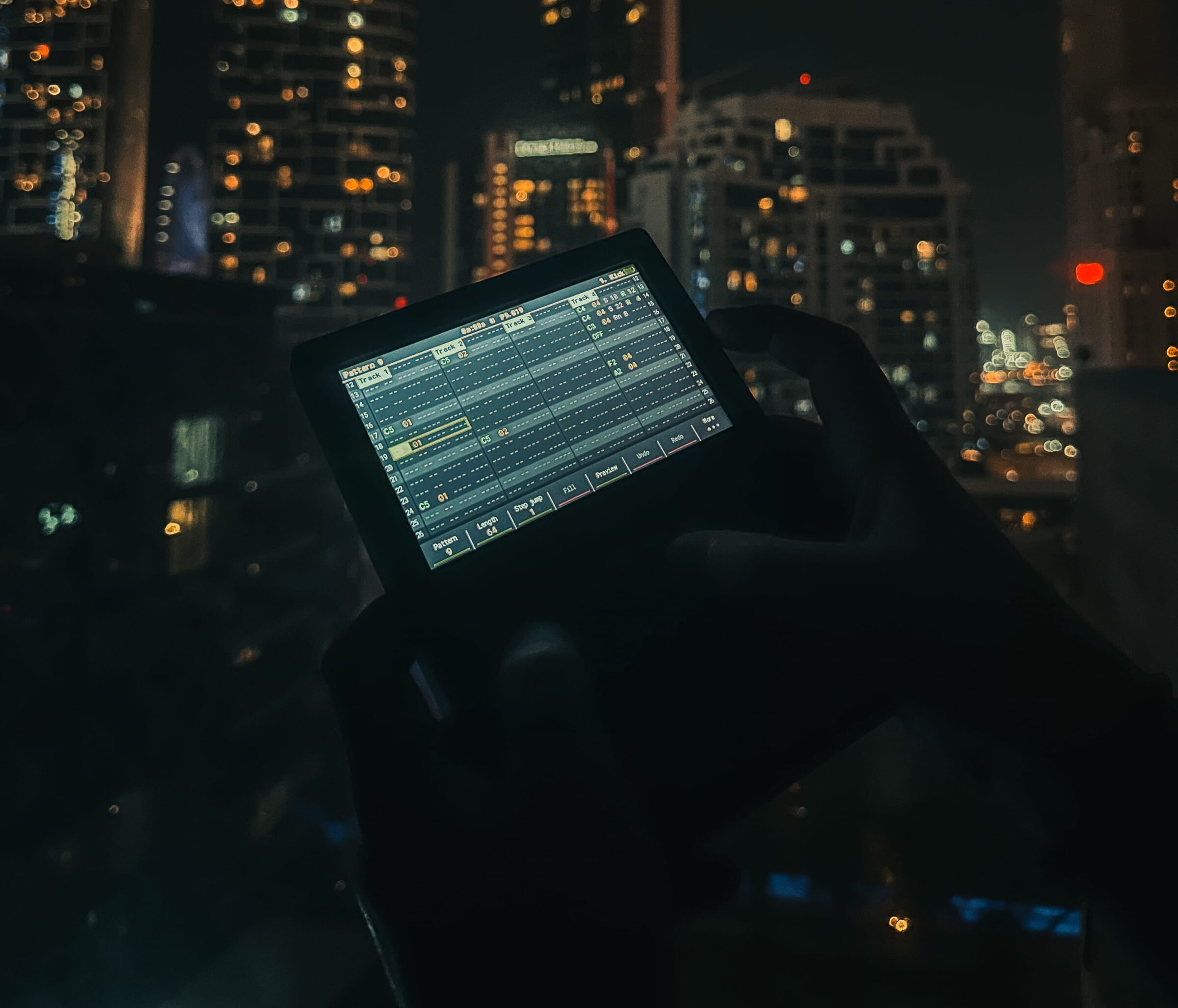
I recently spent some time in Dubai Marina 🌊🏙️ and, as often happens when I travel, I left my computer with Ableton Live at home. I still wanted to make music, so I brought only the Polyend Tracker Mini. In this article I explain how I used it and why it works well as a portable music studio for me.
Why I didn’t bring Ableton
I’ve been using Ableton Live for over twenty years for my productions and live sets, and I’ve been teaching it for fifteen. It’s my main tool, but it’s not always practical to carry around. A laptop means a charger, a heavier bag and, above all, emails and notifications within reach.
When I travel I prefer to keep things simple: less gear, fewer screens, more focus on the music.
The Polyend Tracker Mini in short
The Polyend Tracker Mini is a portable tracker: you work with samples and build patterns in sequence. For the way I use it, there are three main advantages:
- it’s compact and fits in a backpack;
- it lets me sample, build patterns and develop an idea without a computer;
- it’s quick to start and easy to use, so I don’t waste time in menus and settings.
It doesn’t replace my studio, but for collecting ideas while traveling it’s all I need.
How I work in Dubai Marina
My method is simple: I look for a sound that interests me, record it, load it into the Tracker Mini and build a pattern around it. Then I can tell right away whether the idea works or not.
In Dubai Marina I discarded most of what I recorded, and that’s normal. Sampling, however, makes me listen more carefully to what’s happening around me, and that alone is worth it.
Also, a pattern created somewhere different from my usual place often has a different character from what I make in the studio, and that’s exactly what makes it useful.
Fewer screens, more focus
Working without a big screen changes the way I make decisions. With the Tracker Mini I go more by instinct, which is what I need in the writing phase. The ideas that come out of it are rougher, but also more direct.
I don’t use the same tool for the finishing work. Arrangement, sound design and mixing come later, at home, in Ableton Live.
After the trip: what I do with the ideas
My workflow looks like this:
- On the road: I sample and build patterns and first ideas on the Tracker Mini.
- Back home: I listen to everything again and keep only what convinces me.
- In the studio: I bring the ideas into Ableton Live and develop them into finished tracks.
A few practical tips
If you want to try making music while traveling without a laptop, here’s what I’ve learned:
- Know your instrument before you leave. You won’t have time to study the manual on the road.
- Bring good headphones. Working in noisy places without proper monitoring is frustrating.
- Don’t aim for a finished track. It’s better to collect loops and fragments to develop later.
- Back up as soon as you can, so you don’t risk losing your work.
FAQ
Can you make music without a computer?
Yes. With an instrument like the Polyend Tracker Mini you can sample, sequence and build patterns without a computer. For finishing and mixing, I still prefer a DAW like Ableton Live.
Is the Polyend Tracker Mini good for traveling?
In my experience, yes: it’s small, light and ready to use.
Why not just use a laptop while traveling?
You can, but I prefer not to: less gear to carry and fewer distractions while I work.
Conclusion
In Dubai Marina I made music in a simple way: one small instrument, a few sounds recorded on the spot and no computer. For me it’s a good way to keep producing while I travel, and the ideas I collect like this end up in my tracks.
If you’re curious about how I work with Ableton Live or how I teach music production, you’ll find more on the rest of the site.